
"Pay Later" and BNPL: it's a loan, and it shows on your credit report
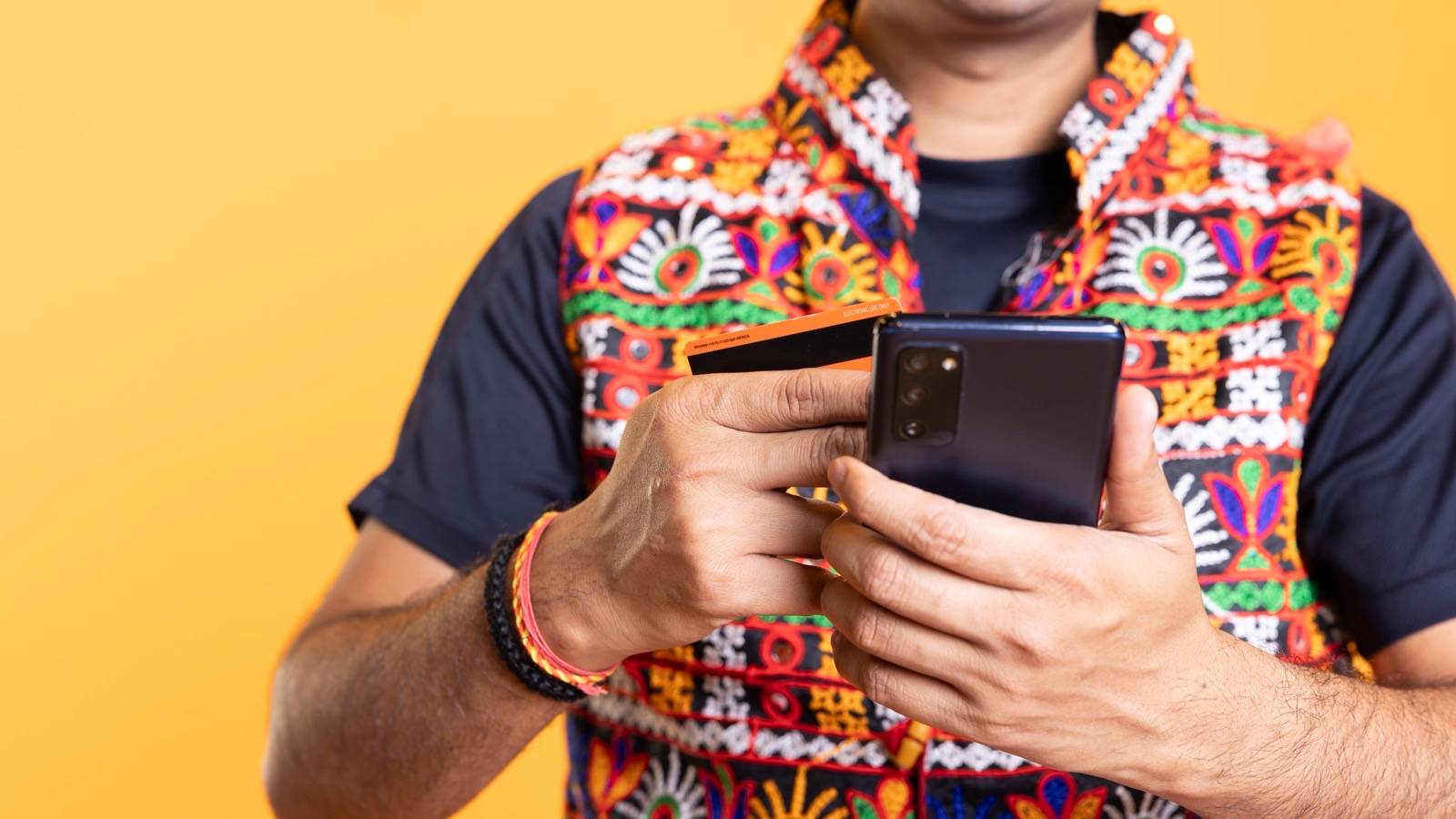
Short answer: “Buy now, pay later” (BNPL) and “Pay Later” buttons are short-term loans from a bank or NBFC (a finance company that is not a bank). You usually get them through an app. Under RBI’s Digital Lending Directions, the app must name the lender and give you a Key Facts Statement. Your repayments must be reported to credit bureaus, so even one missed ₹500 can hurt your credit report. Small fees can add up to a high yearly cost. Use one provider at most, and know every due date.
The situation
Rahul uses “Pay Later” for food delivery, a train ticket and some clothes. Each one feels small. Then three bills fall due in the same week.
What’s behind the button
The money comes from a regulated lender, meaning a bank or NBFC that RBI supervises. The app is usually a lending service provider: it works for the lender and shows you the loan.
RBI rules give you some protection:
- The lender (through the app) must tell you which lender you’re borrowing from and give you a KFS (Key Facts Statement, a short summary of the loan’s costs).
- The money must go directly between you and the lender.
- You get a cooling-off period of at least one day. In that time you can leave the loan without a penalty, if you repay the principal (the amount borrowed) plus the cost for the days you used it. The lender may keep a reasonable one-time processing fee, if the KFS says so.
- Your limit can’t be raised unless you clearly ask for it.
Everything is reported to credit bureaus, including short-term “deferred payment” credit, where you pay for something later.
A ₹ example
Fictional. Calculated by Paisavy.
The fee. A “pay in 30 days” bill of ₹3,000 comes with a ₹60 convenience fee.
That’s ₹60 ÷ ₹3,000 = 2% a month. If you pay that every month, it comes to about 26.8% a year. That is more than many personal loans cost.
The pile-up. Three Pay Later bills fall due in the same week: ₹1,200 + ₹2,500 + ₹800 = ₹4,500. Rahul earns about ₹4,000 a week, so he’s ₹500 short. If he pays late, he gets late fees and a mark on his credit report.
Using Pay Later safely
- Use one provider at most. In your other apps, turn off “Pay Later” as the default way to pay.
- List every due date and match them to your payday.
- Find the lender in each app (look for “lending partner” or the KFS) and check that it’s regulated. (See How to check a lender or loan app.)
- Read the fees: convenience fees, late fees, and any interest after the free period.
- Pay in full and on time. If you can’t, contact the lender before the due date.
Credit line on UPI
Some banks now let you link a pre-approved credit line to UPI, the system you use to pay from your bank account by phone. They need your consent first. Then you can scan a QR code and pay with borrowed money. It’s easy to use, but it’s still a loan, with interest and a due date. It goes on your credit report like any other credit.
Myths
- “Pay Later isn’t a loan.” It is a loan from a regulated lender, and it’s reported to credit bureaus.
- “Small amounts don’t affect my CIBIL.” (CIBIL is one of the credit bureaus in India.) Every repayment is reported, so a missed ₹500 counts.
- “If the app shuts down, I don’t have to pay.” You owe the lender named in your KFS, not the app.
What to check today
- Open each shopping or delivery app and see if Pay Later is switched on.
- Write down every Pay Later balance and due date in one place.
- Check your free credit report to see how these accounts appear.
Try it with your own numbers
→ Budget tool: add Pay Later bills under “Loan payments” and see what’s left.
Sources and review
- RBI (Digital Lending) Directions, 2025 (paras 7–10, 16): https://www.rbi.org.in/Scripts/NotificationUser.aspx?Id=12848
- RBI on loading prepaid instruments from credit lines, Jun 2022 (summary): https://corporate.cyrilamarchandblogs.com/2022/06/fig-paper-no-13-rbi-guidance-on-loading-of-ppis-through-credit-lines/
- RBI: pre-sanctioned credit lines on UPI, Sep 2023 (updated Feb 2025): https://rbi.org.in/Scripts/BS_CircularIndexDisplay.aspx?Id=12532
- Example calculated by Paisavy (
scripts/wave2_examples.py).
Educational information, not financial advice. Found an error? Tell us → · Corrections log